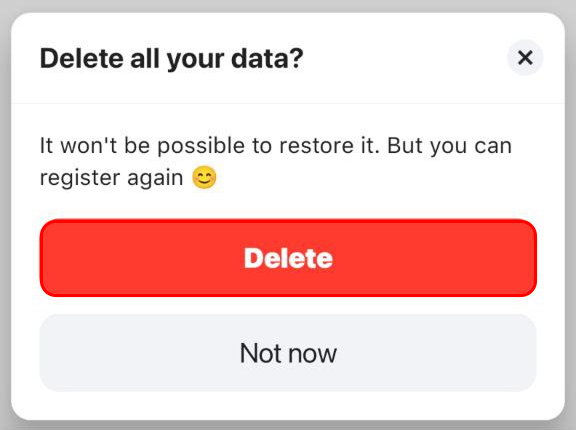
Here are the steps to delete your account in the mobile app
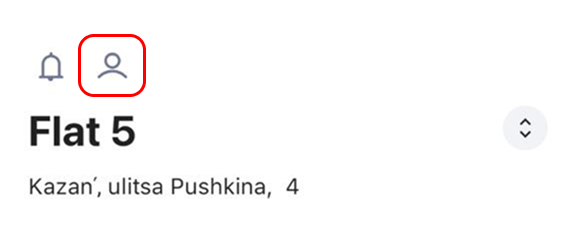
- Go to your profile (tap on the person icon in the top left corner).
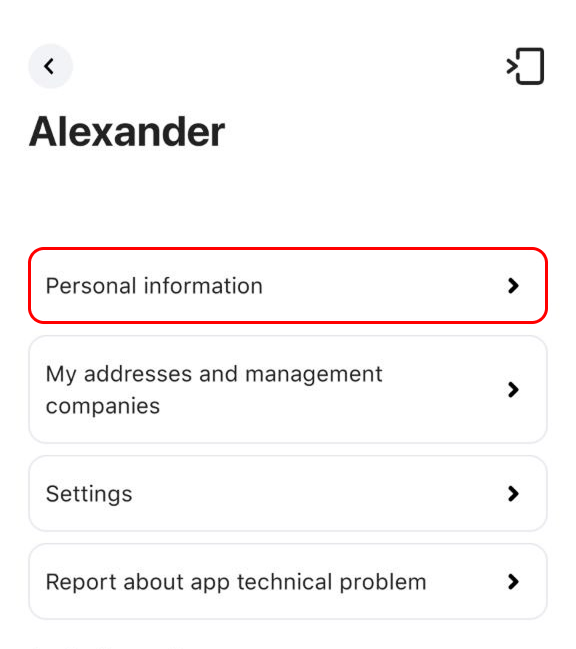
- Select "Personal information" from the list.
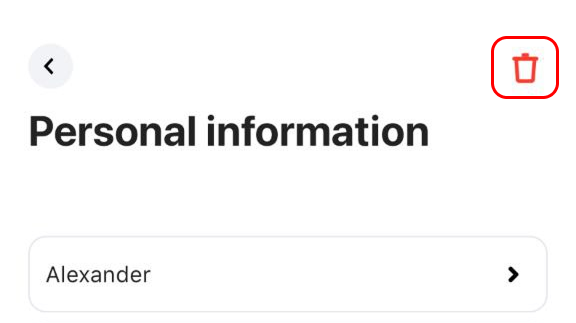
- Tap the trash can icon in the top right corner.
- Confirm the deletion by pressing the "Delete" button.